Shaky → Smooth
Click on Video to go Full screen
Flat → Cinematic
Click on Video to go Full screen
Blown out → Exposure Fix
Click on Video to go Full screen
Even with the new Pocket 4, the core skills haven’t changed — this is what actually makes your footage look cinematic.
Watch a real Lesson from the course
This is a complete lesson taken directly from inside the Pocket 3 Travel Masterclass — exactly how it’s taught to paying students.
Learn with a Step by Step Method that builds on each phase
Binge watching YouTube is making you More Overwhelmed .
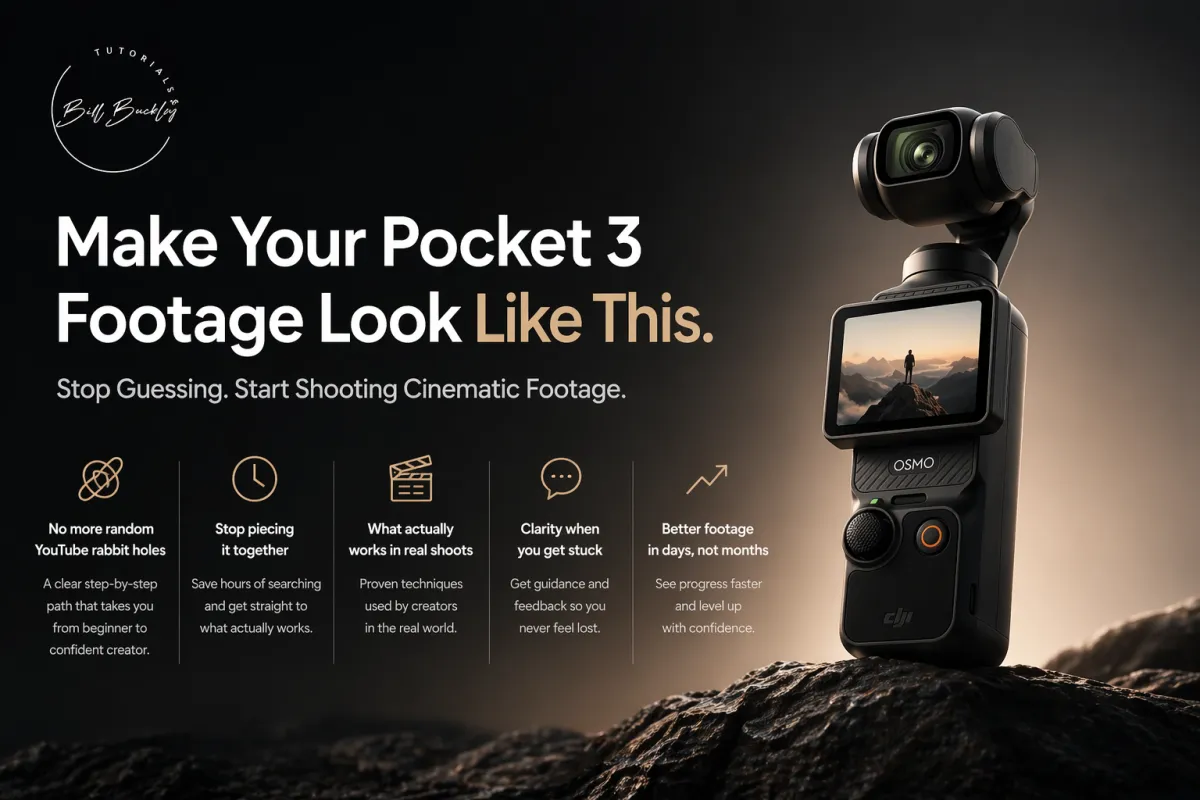
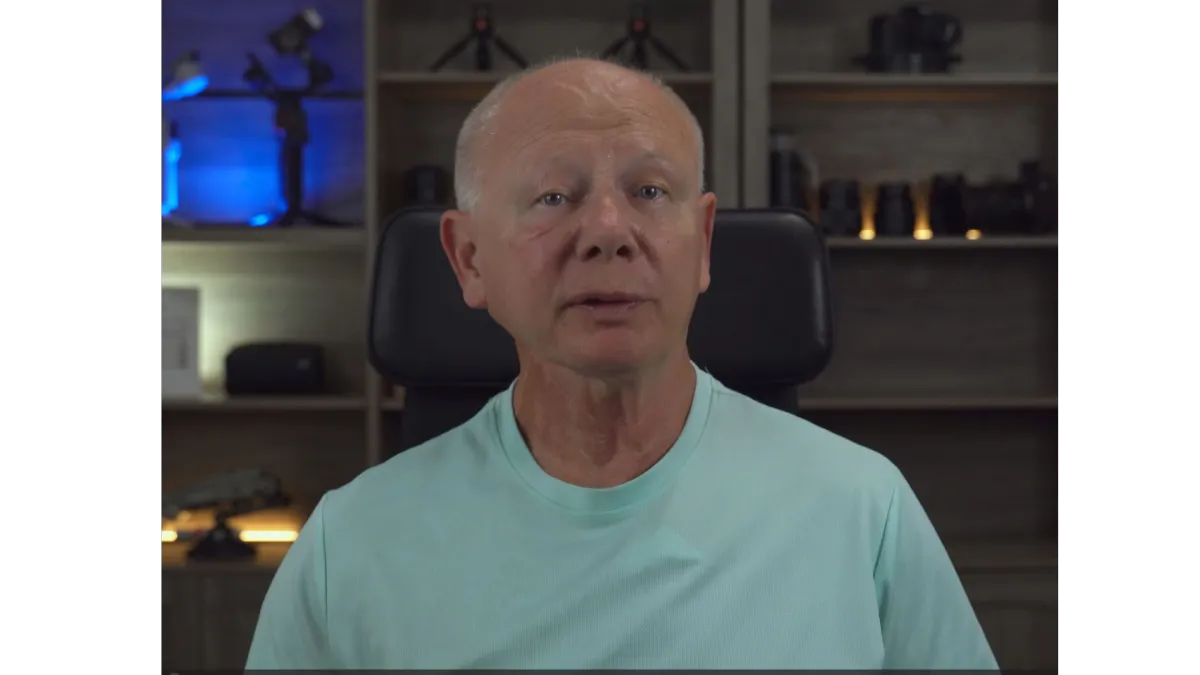
I’ve already made the mistakes—so you don’t have to
A clear, practical path to mastering your Pocket 3.
35+ years with Nikon. 10 years as Training Manager for Europe — teaching what actually matters.
No guesswork. No overwhelm. Just a clear starting point and a simple way to shoot confidently
REAL STUDENTS. REAL RESULTS.
What creators say about my Pocket 3 training
★★★★★
“I think you’re the first person I’ve ever found who explains this in a way I can actually understand.”
— @thebluetitschillswimmerslt6782
★★★★★
“Finally I understood why my footage looked bad at 23.98fps — I was panning too fast. Your explanation fixed it instantly.”
— @FabrizioCiotola
★★★★★
“I shot with my new Pocket 3 and came back disappointed seeing purple rings everywhere. Your video proved it was the screen protector. Problem solved.”
— @MichaelChriswell
Another Example of what to expect in the Course
This is a complete lesson taken directly from inside the Pocket 3 Travel Masterclass .
Inside the Pocket 3 Masterclass
Here’s exactly what’s inside the Pocket 3 Masterclass
✅ Quick Start Foundation
Set up your Pocket 3 correctly in under 30 minutes — no overwhelm, no menu confusion.
✅ Motion & Stabilization
Gimbal modes, walking technique, panning, tracking, and POV breakdowns with on-screen settings.
✅ Exposure & Frame Rate Clarity
Clear guidance for 24 / 30 / 60 / 120 fps, harsh sun, mixed light, interiors, and low light.
✅ Color That Looks Right
Pocket 3 profile setup, skin tones, basic grading, and optional LUT workflows.
✅ Real-World Shooting Examples
See exactly how settings change in cloudy days, harsh sun, low light, walking shots, panning, slow motion, and everyday use — with real demonstrations, not just theory.
✅ Built-In Video Reference System
Downloadable lookup guides so you can instantly find the exact lesson that explains shutter, ISO, EV, frame rates, or any setting — without rewatching the entire course.
Questions Pocket 3 owners usually ask
FAQ about the Pocket 3 Travel Masterclass.
Is this class really for beginners?
Yes. The course is designed for new Pocket 3 owners who feel overwhelmed by menus, frame rates, and settings.
I explain everything in plain English and focus on the small number of settings that actually make the biggest difference.
You don’t need prior video experience.
Do I need ND filters or extra gear?
No. You can get great results using just the Pocket 3 on its own.
I explain when ND filters help — and when they’re unnecessary. The focus is on understanding your settings first, not buying more gear.
24 vs 30 vs 60 fps… which do you recommend?
I break this down clearly inside the course so you understand why footage looks jittery — and how to fix it.
For most people, 30fps is a reliable starting point, but you’ll learn when 24fps or 60fps actually makes sense.
No myths. Just practical guidance.
Will this work for travel vlogs and family trips?
Yes. The principles apply whether you’re filming a trip, family moments, walking around your city, or just testing your camera.
The focus is real-world shooting — not studio tests or theory.
What editing app do you teach?
This course focuses on filming and camera setup.
You’ll learn how to capture clean, smooth, consistent footage straight out of the camera so editing becomes simple — but this is not an editing software course.
How long do I have access? Is there a refund policy?
You’ll get lifetime access to this course, plus any updates I make to improve it.
If you go through the material and feel it’s not right for you, just email [email protected] within 30 days of purchase and you’ll receive a full refund — no questions asked.
I want you to feel completely comfortable trying it.
Ready to finally feel confident using your Pocket 3?
Join the Pocket 3 Masterclass today and work step-by-step through the exact settings, modes, and real-world examples that make the biggest difference.
No fluff. No gear obsession. Just clear guidance on how to use your camera properly.
Includes a 30-day, no-questions-asked refund policy.
You’ll get lifetime access to this course, plus any updates I make to improve it. If within 30 days you feel it’s not right for you, just email and you’ll receive a full refund.
Need Help or have questions ? 👉 [email protected]